
Chemical Laboratory Section
| Instruments Name |
| Flame-photo Meter |
| Digital Water-Bath |
| Digital Air Oven |
| Digital Muffle-Furnace |
| COD Digester |
| BOD Incubator |
Flame Photometer
Model Name -Labtronics
Lab ID – PL/FM/01
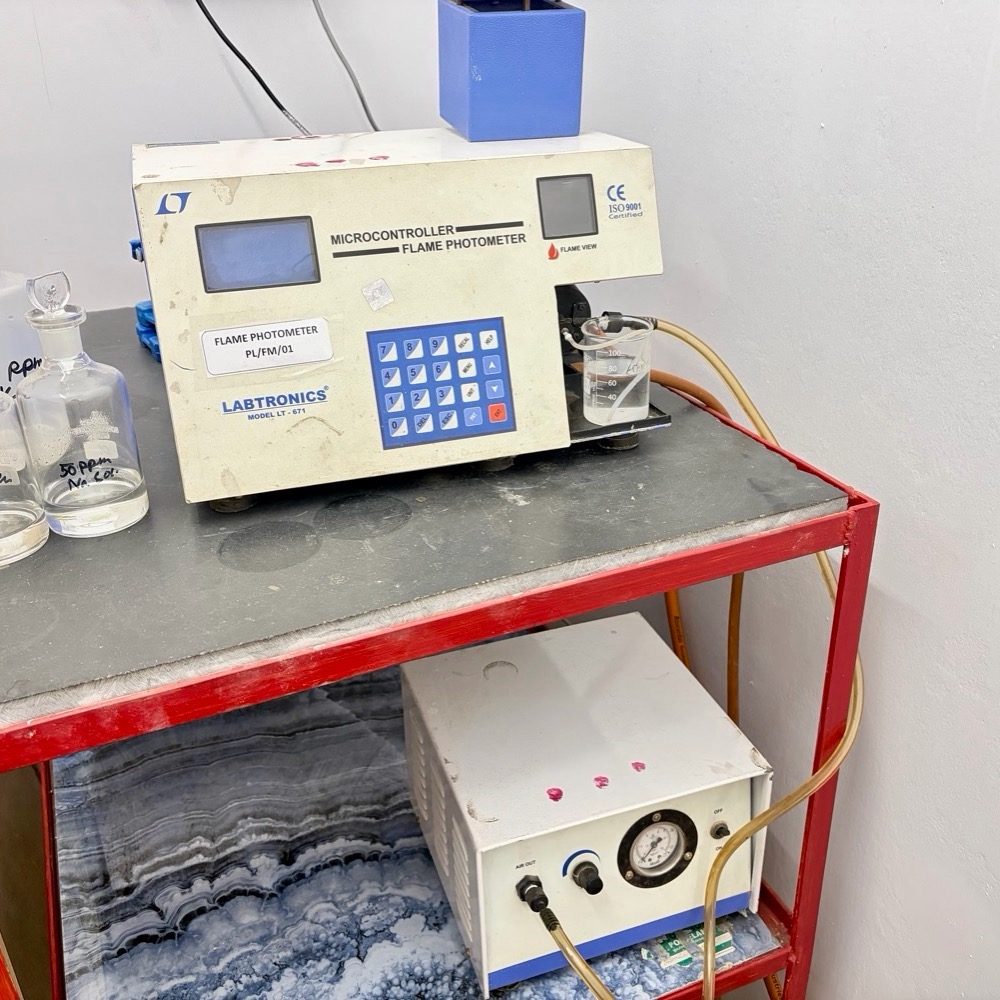
Switch on the instrument & compressor pump.
│
▼
Set the pressure in the compressor between 0.40 to 0.60 kg/m2
│
▼
Calibration ok & ready to measure sample’s pH.
│
▼
Now ignite the flame & adjust it to luminous intensity.
│
▼
Select the mode for sodium & potassium. Calibrate using standard solution.
│
▼
After simultaneous calibration read Na & K for test samples
Precaution
- Ignite the flame following the correct sequence
- Filter samples to prevent clogging of the nebulize
- Dilute samples to avoid high concentration errors.
- Aspirate distilled water after use to clean the system.
- Switch off fuel gas first, then air supply.
- Repeat the calibration process or inform the technical manager if variation exceed the ±5% of expected value.
Digital Water-Bath
Lab ID -PL/DWB/01
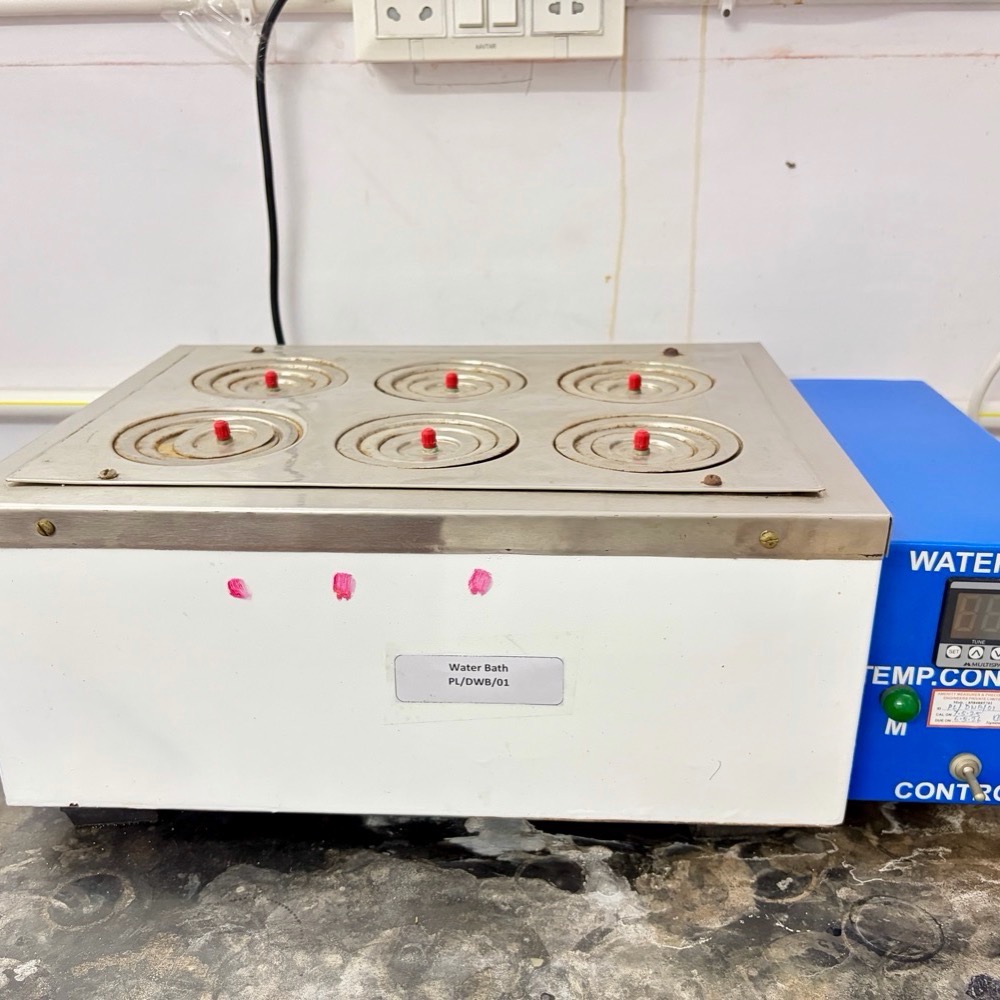
Pour distilled water into the water path upto atleast 5 cm above the heating cell in immersed condition.
│
▼
Switch on the hot water bath & set the temperature to 99 ± 1 ℃.
│
▼
Constant temperature is reached with thermostat control.
│
▼
After the work is over, switch off the equipment.
Precaution
- Ensure the water level is adequate before switching on the water bath.
- Use distilled water to prevent scale formation.
- Handle hot vessels with tongs or heat-resistant gloves.
- Avoid spilling water on electrical parts.
- Repeat the calibration process or inform the technical manager if variation exceed the ±5% of expected value.
Digital Air Oven
Lab ID -PL/HAO/01
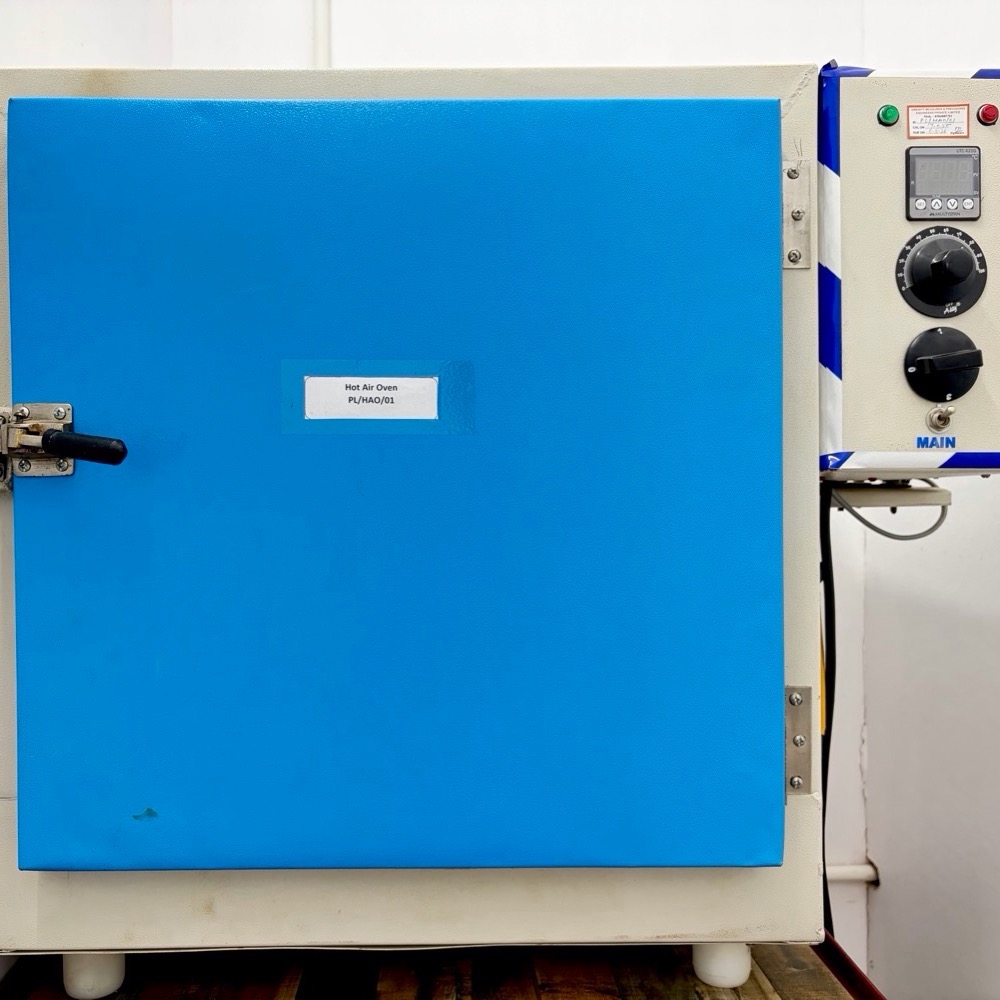
Switch on the equipment & set the desired temperature by thermostat key.
│
▼
Keep the sample until desired test result.
│
▼
After using switch off the equipment.
Precaution
- Do not overload the oven; allow proper air circulation inside.
- Use heat-resistant gloves or tongs when placing or removing materials.
- Avoid opening the door frequently to prevent temperature fluctuations.
- Repeat the calibration process or inform the technical manager if variation exceed the ±5% of expected value.
Digital Muffle-Furnace
Model Name –Sigma Instruments
Lab ID -PL/MF/01
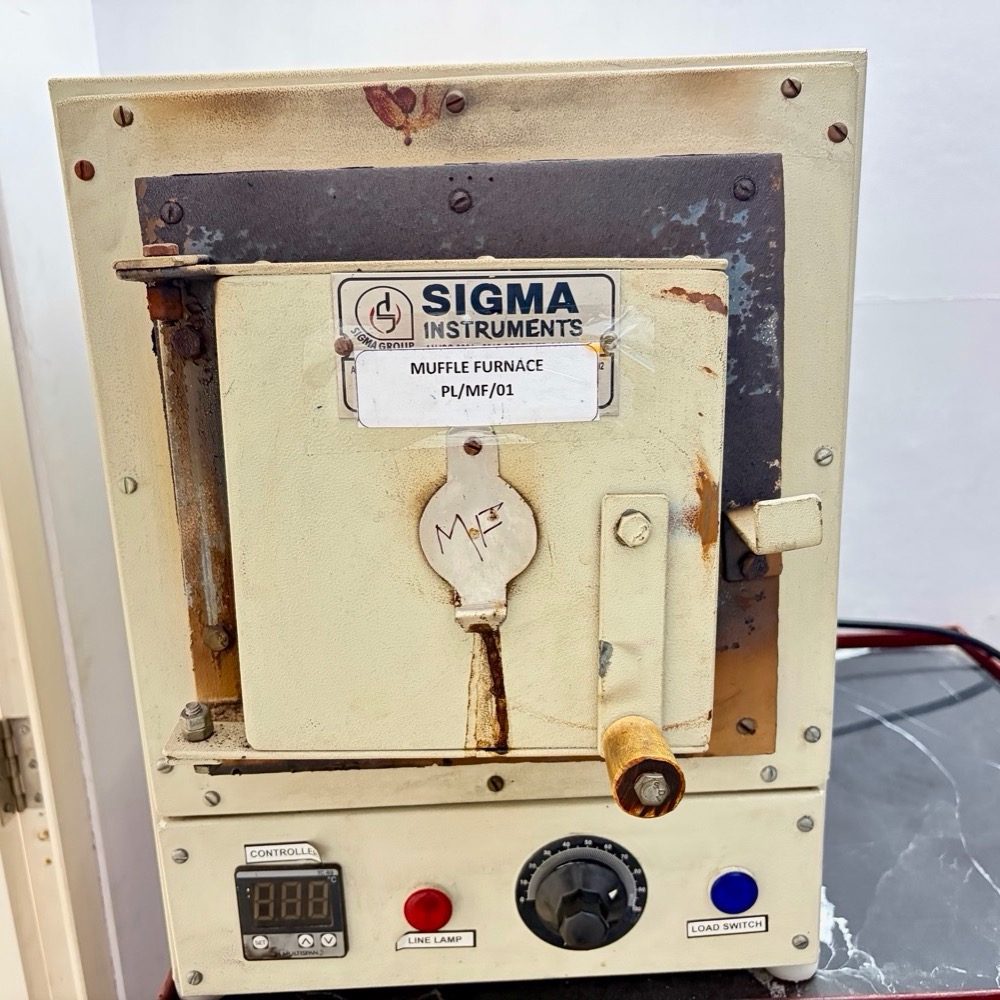
Switch on the equipment & adjust the load output to desired temperature
│
▼
Keep the sample in the furnace and lock the door properly
│
▼
After desired time & temperature switch off the equipment
│
▼
While taking out the sample from furnace, always use long tongs & woollen gloves. Maintain safe distance from the equipment while handling.
Precaution
- Do not place flammable or volatile substances inside the furnace.
- Ensure proper ventilation during operation.
- Handle hot crucibles with tongs and heat-resistant gloves.
- Repeat the calibration process or inform the technical manager if variation exceed the ±5% of expected value.
COD Digester
Model Name- Sigma Instruments
Lab ID -PL/COD/01
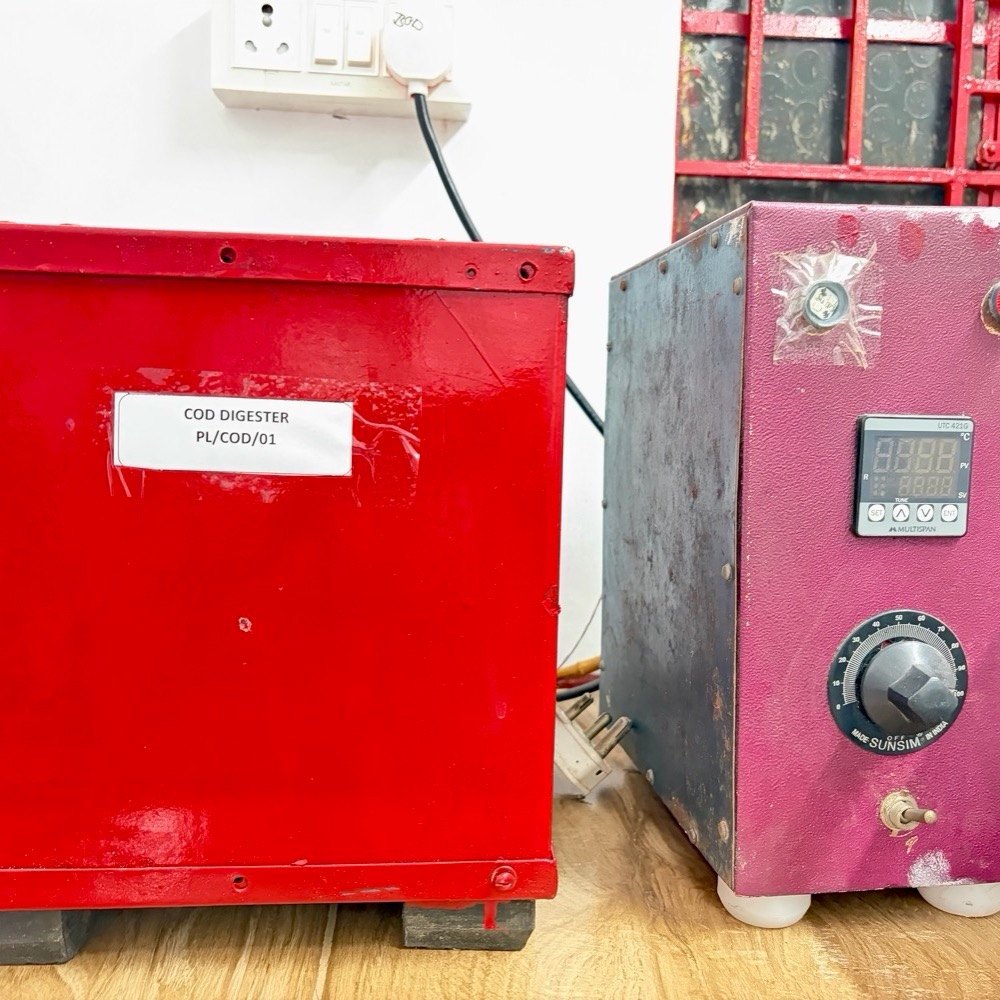
Switch on the equipment & adjust to temperature 150 ℃
│
▼
COD samples are allowed to digest at that temperature.
│
▼
After desired time & temperature reached, disconnect the heat.
Precaution
- Place tubes carefully in the digester to avoid breakage.
- Set the correct temperature and digestion time as specified.
- Avoid touching hot tubes; use tube holders or tongs.
- Allow tubes to cool before opening to prevent splashing or pressure release.
- Repeat the calibration process or inform the technical manager if variation exceed the ±5% of expected value.
BOD Incubator
Model Name- Sigma Instruments
Lab ID -PL/BOD/01
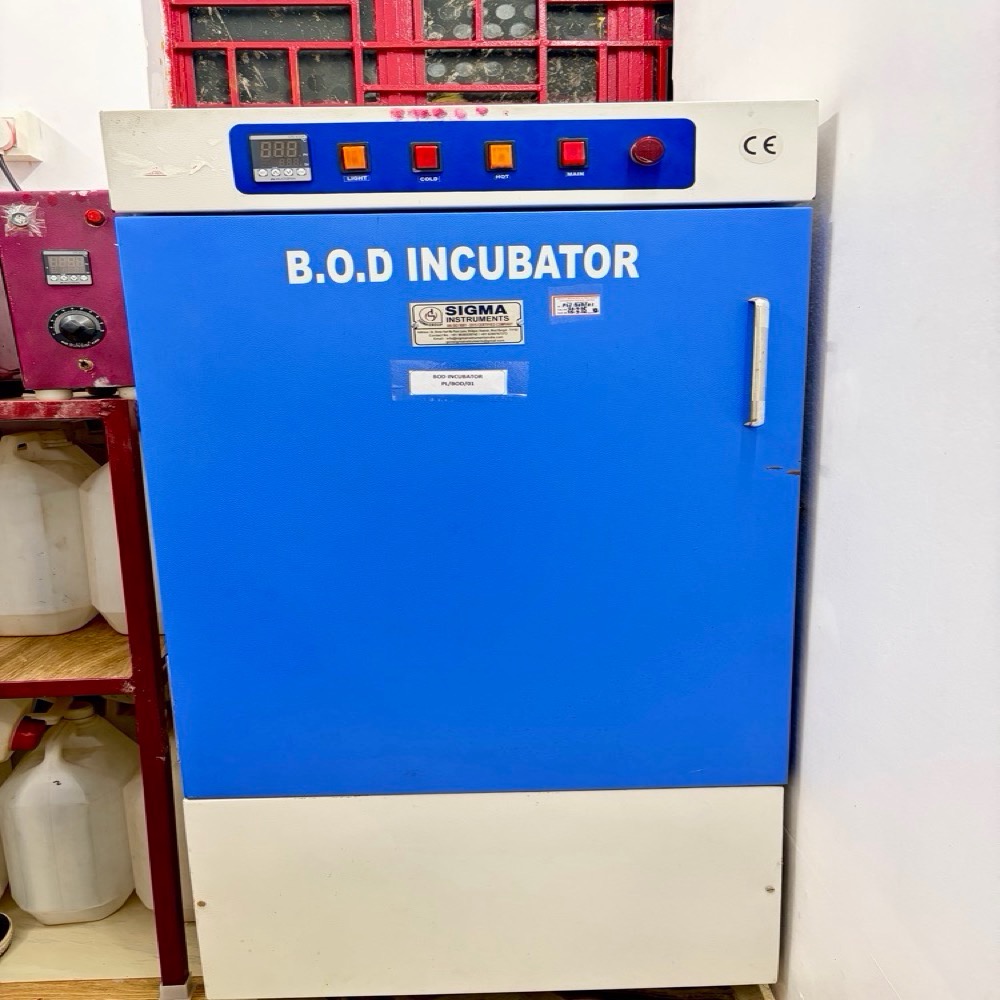
Switch on the BOD Incubator
│
▼
Switch on the blower, thermostat & set the temperature 27±1℃.
│
▼
Equipment is ready for BOD Incubation at 27±1℃ at 3 days.
Precaution
- Avoid frequent opening of the door to maintain constant temperature.
- Keep the incubator clean and dry to prevent contamination.
- Use properly labeled BOD bottles and handle them carefully.
- Repeat the calibration process or inform the technical manager if variation exceed the ±5% of expected value.